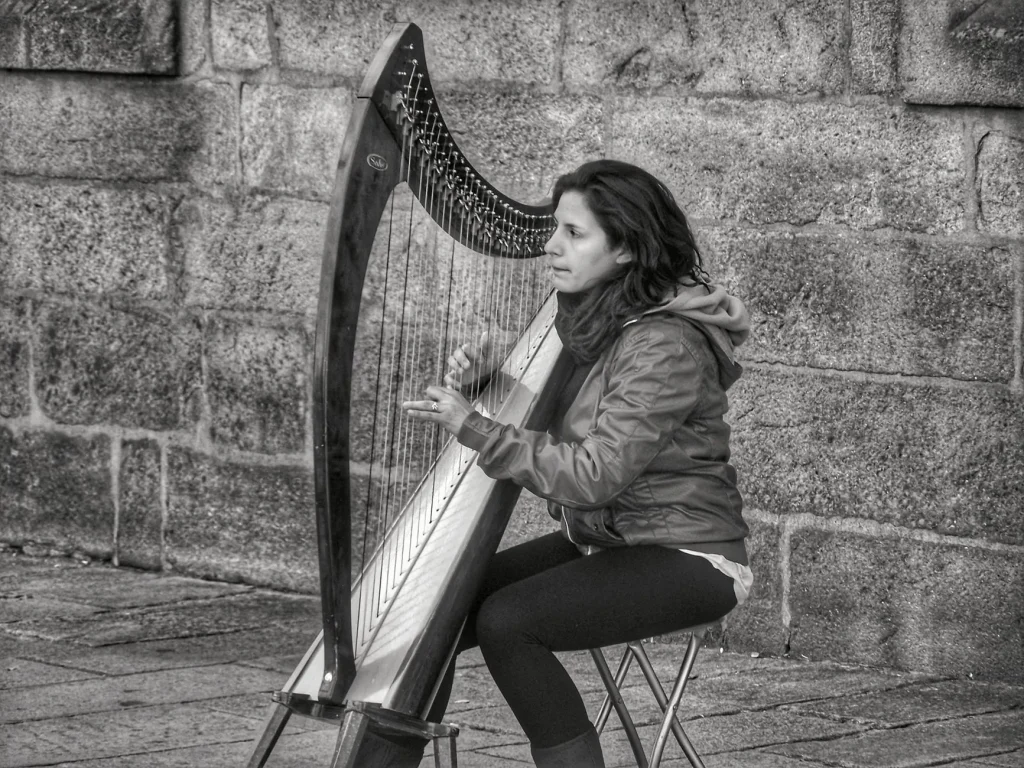
Learning to depict this elegant instrument may seem complex, but with the right techniques, it is accessible to everyone. Whether you are a beginner or passionate about digital art, this guide offers two approaches: traditional and pixel art.
The classic method uses simple shapes to capture the essence of the harp. Pixel art, meanwhile, is ideal for virtual creations, such as games or social media. One example? A 32×32-pixel model, perfect for Minecraft or Unity.
Software such as Mega Voxels can even turn your drawing into a 3D model. The goal? To achieve an attractive, shareable result, whether you want to decorate a musical project or animate a digital world.
Preparation and Materials Needed
Before you begin, gathering the right materials is essential for a successful illustration. Depending on your approach, traditional or digital, your needs will vary. Here is how to optimize your workspace.
Traditional vs Digital Tools
For a classic method, choose:
- An HB pencil for light sketches.
- Fine-grain paper for details.
- A kneaded eraser for corrections.
Digitally, software such as Adobe Photoshop or Mega Voxels offers more flexibility. Turn on a 32×32-pixel grid to create precise pixel art.
“The color palette should include neutral shades (#FFFFFF for the canvas) to achieve a harmonious result.”
Setting Up Your Space
Soft lighting prevents glare on paper. Digitally, adjust your screen brightness to reduce eye strain.
| Software | Use | Platform |
|---|---|---|
| Adobe Photoshop | Advanced details | Windows/macOS |
| Mega Voxels | 3D modeling | iOS/Android |
For pixel art enthusiasts, free resources are available in app stores. Once you are equipped, move on to the next step: the base of the drawing.
Drawing the Base of the Harp
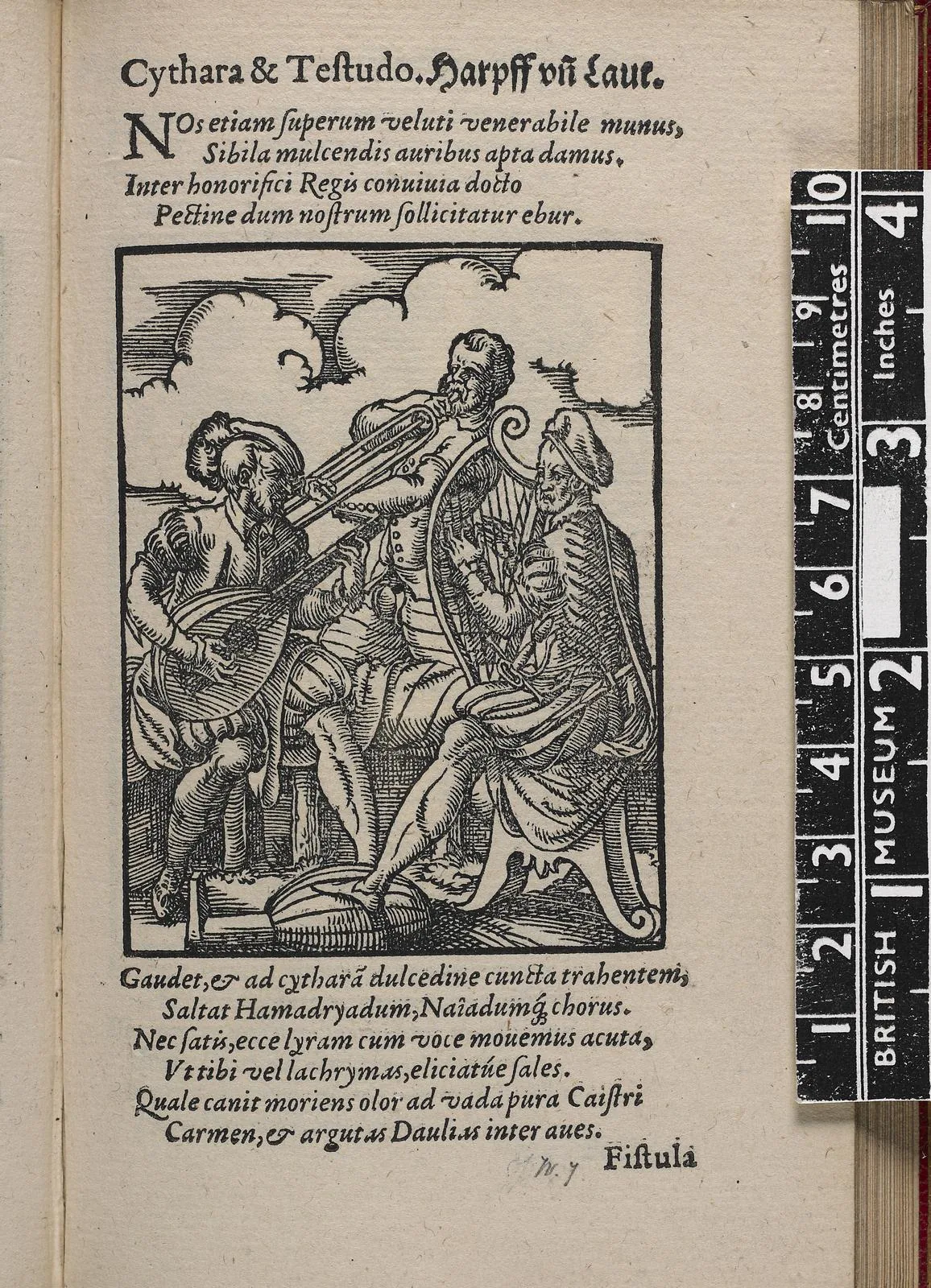
The visual construction of a harp begins with a solid, well-proportioned base. Whether you choose a traditional or digital method, this step determines the credibility of your illustration.
Sketching the General Shape
Use a black outline (#000000) to define the main lines. Two techniques help balance the structure:
- Symmetry: draw a central axis to align the elements.
- Proportions: adapt the size to your medium (paper or screen).
For detailed harp plans, consult resources such as this reference. It explains the ideal angle between the strings and the soundboard.
Adding the Strings and Main Details
Fill the body with shades of brown (#DF6754 for light wood, #AB4A4F for shadows). The gray strings (#ADA0AF) should be parallel:
- In pixel art, use a 32×32 grid to obtain crisp lines.
- Digitally, separate each element onto distinct layers.
This method offers great flexibility for personalized projects, such as views from different angles. For a 3D result, export your sketch to Mega Voxels.
Finalizing and Enhancing Your Drawing
The final touch turns a sketch into a vibrant, realistic work. This step reveals the full potential of your creation, whether traditional or digital.
Filling with the Right Colors
Choose a coherent palette for a harmonious result. Use shades such as:
- Light brown (#F48976) for lit areas.
- Dark brown (#BC503E) for natural shadows.
- Light blue for the background (#BCEAFE), to create a gentle contrast.
In pixel art, limit yourself to 5 or 6 colors to avoid overload. Test combinations with views from different angles.
Adding Shadows and Depth
Shadows (#827286) add volume. Apply them according to a virtual light source:
- Soft gradients for curved surfaces.
- Strong contrasts for sharp edges.
“A limited palette stimulates creativity and strengthens visual unity.”
Hide the grid lines to preview the final effect. Digitally, adjust layer opacity to achieve a natural look.
Conclusion
Your creation is now ready to come to life, whether in 2D or 3D. You have acquired key skills: precise sketching, realistic shading, and even conversion into 3D views with Mega Voxels.
Feel free to explore other styles, from minimalist pixel art to traditional details. Export your project to game engines or share it on social media with hashtags such as #MusicalCreation.
The advantage of digital? Instant changes and unlimited sharing. Get started and give your passion a visual voice!